Ampache7 for Users
Ampache7 for Users
This page will cover the visual, user specific changes to Ampache.
Changes that are important to Admin's are available at Ampache7 for Admins
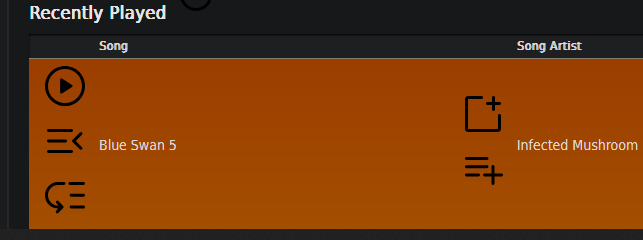
Material Icons have replaced a lot of the old PNG files
We're now using Google Material Symbols & Icons to refresh some of the older icons on the site.
If you see the question mark, it means the requested SVG was not found.

Instead of loading from URL's the icons are loaded from the XML and they look pretty good!
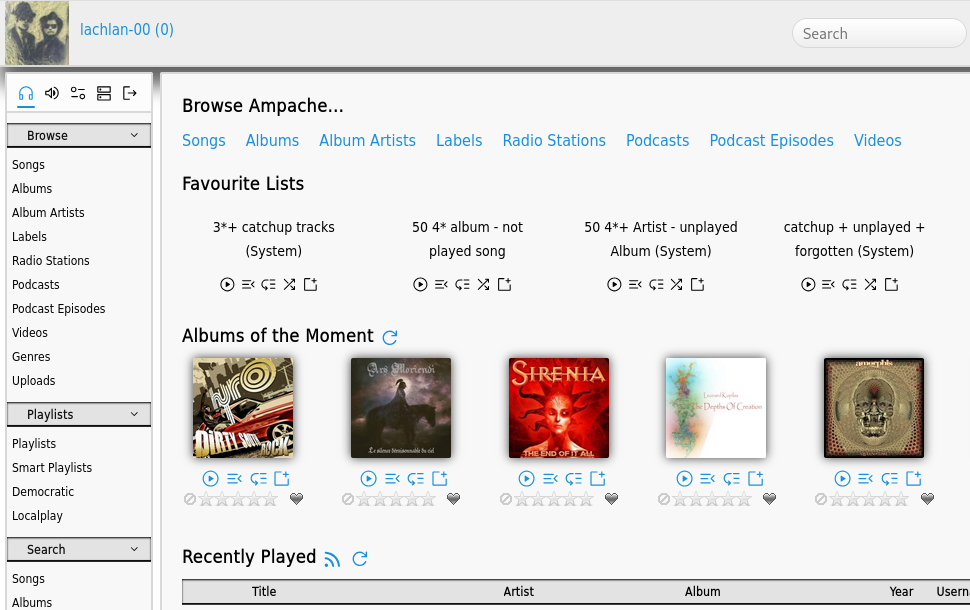
If you have issues with your icon color or size this is usually because the CSS has been cached and has not updated after the upgrade.
Clear your site data and cookies to refresh your CSS
Upload catalogs are now a per-user choice
You can now use different upload catalogs for different users.

This change removes the existing preference and will try to copy the existing preference value to all users.
The preference level defaults to Admin users but can be changed from the options page preferences.php?action=admin&tab=options
Set your access level to allow users to replace their settings or use 'Apply to all' to keep existing behavior.

Playlist collaboration
To make a shared playlist that other users could add to used to rely on you creating a smartlist and adding public shared lists to the search.
Now you can share a playlist with a user and there is no longer a requirement to make it public.
Select the users you want to share with in the Collaborate list and then save.
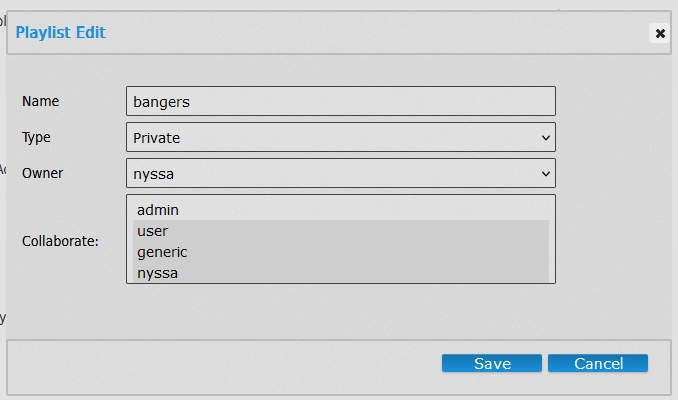
Now you can share it with other people but not the whole server.

This allows the users to add and remove songs from the list. (They can not delete or edit other options)
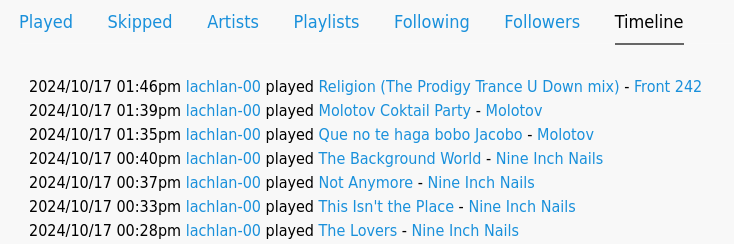
Extended user activity media links
Show the parent of the media on the user activity row (If it has one!)
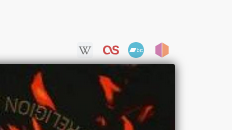
Added bandcamp search to library item pages
Quick and easy link to bandcamp search based on the current object type
New Database Options / User preferences
Preferences and options galore!
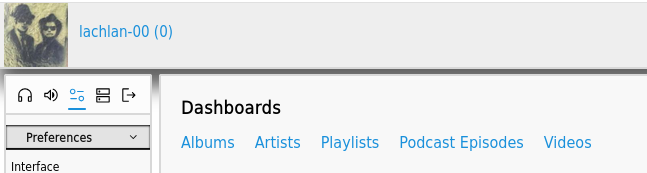
Show dashboard links on the index instead of browse pages
Use Dashboard links for the index page header
If you use the light sidebar you might want users to avoid the browse pages. use this option to swap a brows for a dashboard
Skip stat recording on API streams
This preference functions the same way as subsonic_always_download but for the Ampache API
Force API streams to download. (Enable scrobble in your client to record stats)
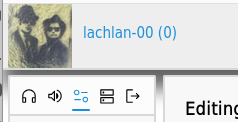
User profile picture in the header
There is a new user preference to use the user avatar as part of the main page header logo.
Custom URL - Use your avatar for header logo
When enabled this will use your Avatar and ignore Custom URL - Logo if set.
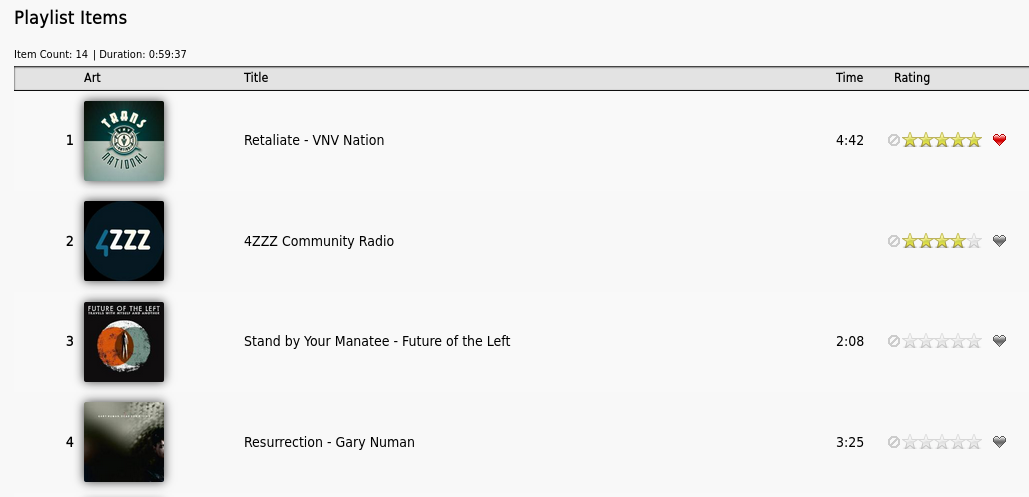
Playlist media link extension
This preference will show you the parent of the object (if applicable) in the playlist media row
Show extended links for playlist media
Sidebar options to hide and order
Interface preferences related to the sidebar have into their own section.

You can hide areas from the main sidebar including the arrows to switch between light and full sidebars.
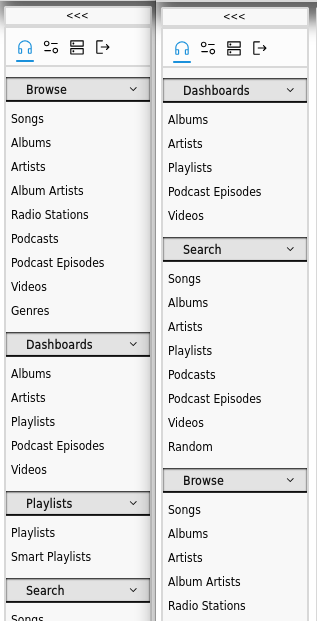
You can also change the CSS order of the sidebar. (This was done in CSS but has been removed)
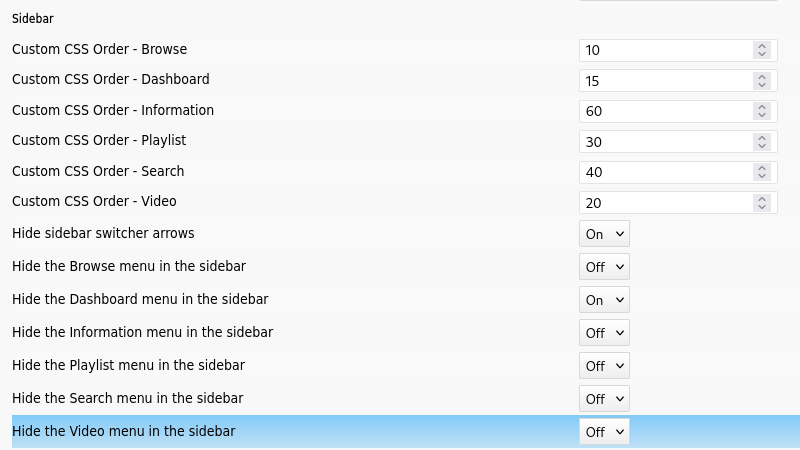
When the hide preferences are enabled; menu groups will be skipped from the HTML entirely. (Not just hidden with CSS)
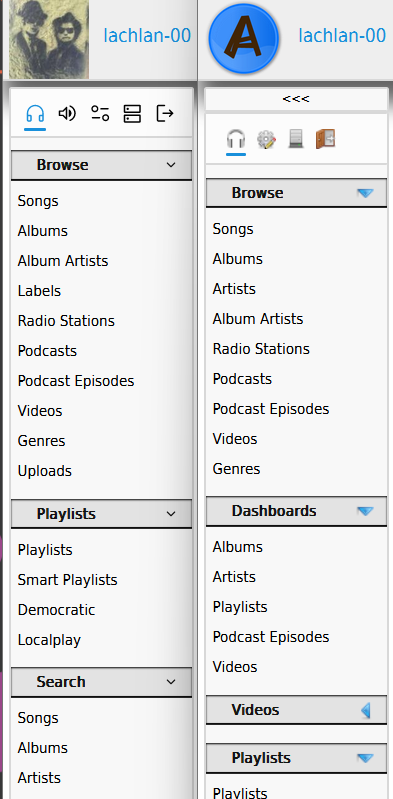
You can also hide everything if you want without affecting the other layouts

Setting different CSS orders will change the order they are displayed. Setting the preferences to 0 will fall back to their default values
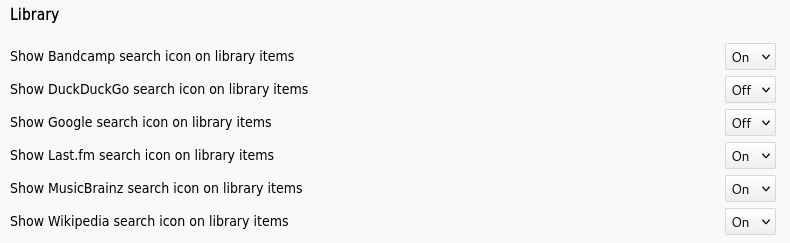
Hide different search icons from object pages
There are now options to hide search links from library item pages.
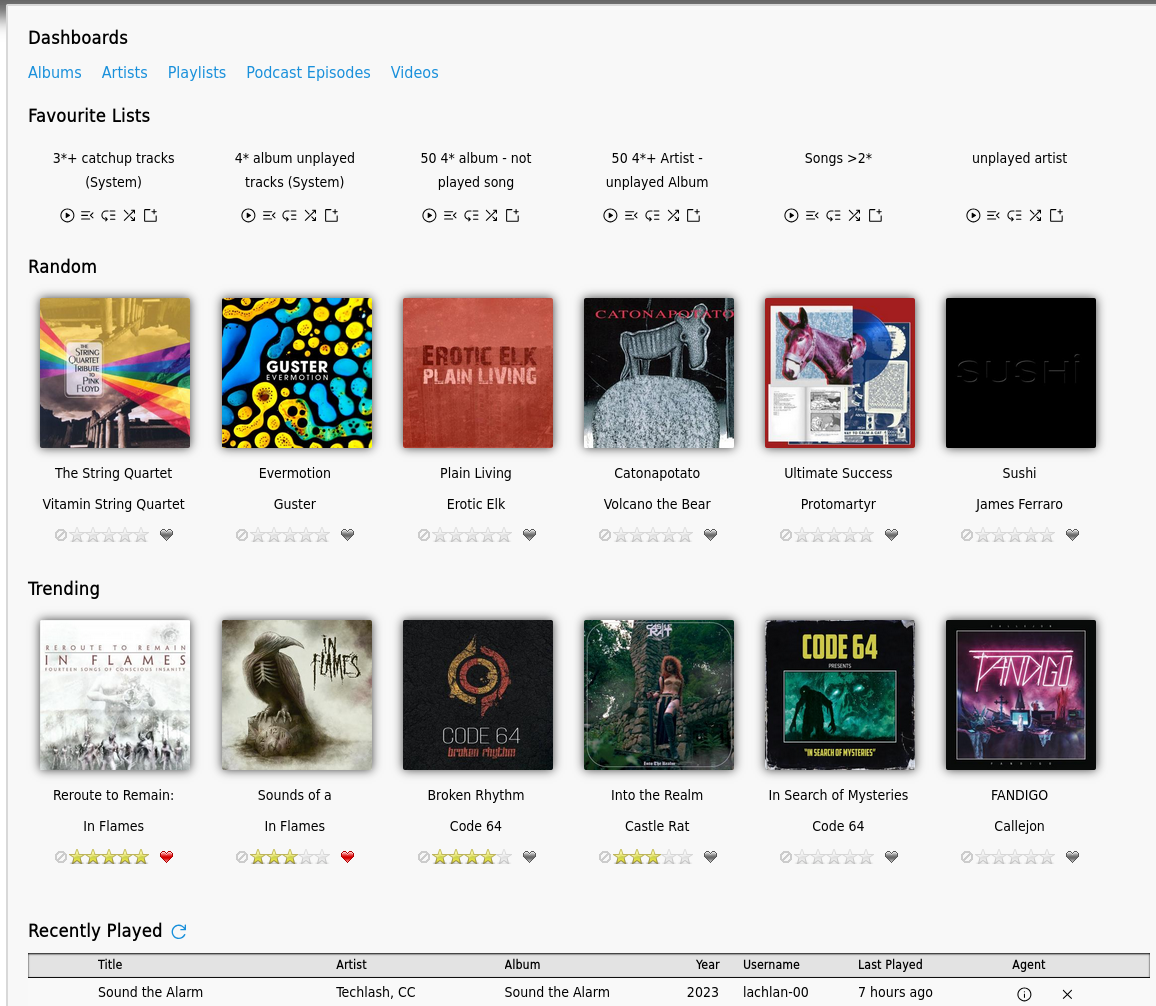
New Plugin - Homepage Dashboard
Show album dashboard rows on the home page
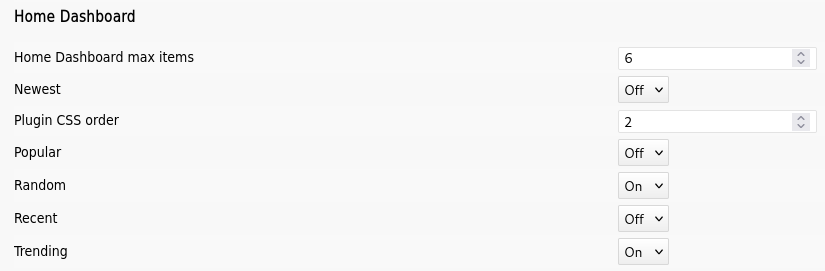
Configurable from the plugin options page
Download a playlist as a file
You can now download a playlist file from the object page. Previously you had to change the play type or use the CLI commands

Warning on the upload page regarding licensing
When you upload music to a public site you have to be sure of the license and the rights you may give away by uploading.
