Ampache Plugins
Ampache Plugins
Ampache ships with a number of plugins that add optional features: homepage sections, external metadata and lyrics lookups, scrobbling, avatars, share buttons, analytics and more.
Plugins are split into categories based on the action they perform. The category also decides where in the interface the plugin appears.
- home — sections on the main page
- metadata — art and tag lookups
- lyrics — external lyrics lookups
- stats — analytics/tracking
- scrobbling — react to playback, rating and flagging
- save_rating — react to rating changes
- avatar — user avatars from an external source
- share — share buttons for external sites
- shortener — URL shorteners for shared links
- slideshow — external photos for slideshows
- stream_control — per-user streaming limits
- wanted — act on the wanted list
- geolocation — show a user's location
- preview — find a short sample for a wanted track
- user — content on the user page
Managing plugins and modules
Most plugins are installed and configured from Admin → Modules → Plugins in the web interface. Installing a plugin makes its preferences appear; each user then enables and configures it from their own preferences.
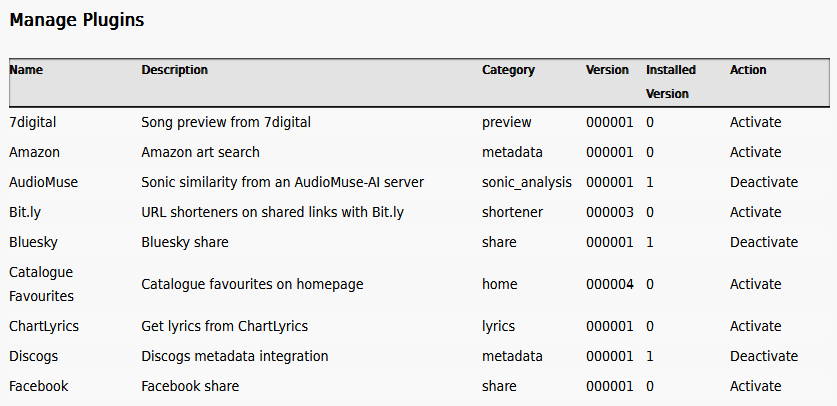
The same modules can be managed headlessly from the command line:
php bin/cli admin:listModules
php bin/cli admin:installPlugin lastfm
php bin/cli admin:uninstallPlugin lastfm
php bin/cli admin:upgradePlugin lastfm
Ampache has two other kinds of module that are managed the same way — catalog types (the backends a catalog can use, such as subsonic or beets) and localplay controllers (external players such as mpd):
php bin/cli admin:installCatalogType subsonic
php bin/cli admin:installLocalplay mpd
The version numbers below are the bundled versions in this release; admin:listModules shows which are installed and whether an upgrade is available.
Once installed, most plugins add options you configure in your preferences — see Plugin Options for what each one means.
Homepage Plugins
Show something on the main page/index using the display_home method.
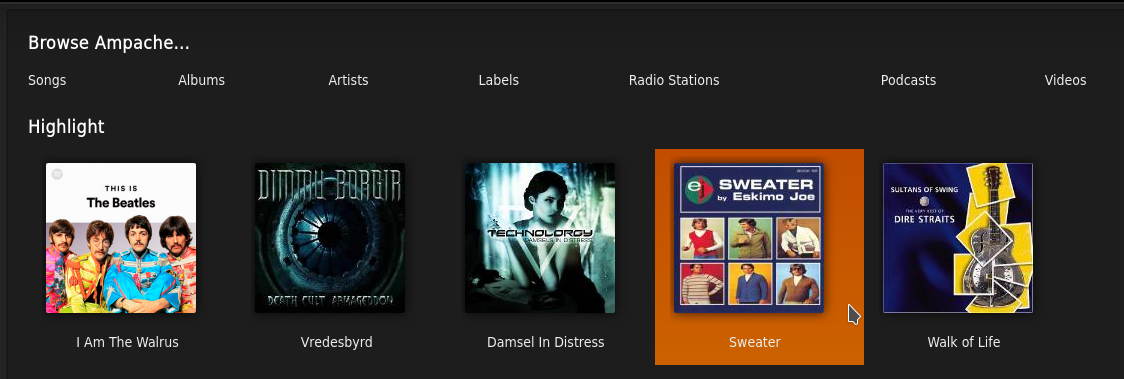
Catalog Favorites
Description: Catalog favorites on homepage (shows the songs you heart with album art).
Version: 000004
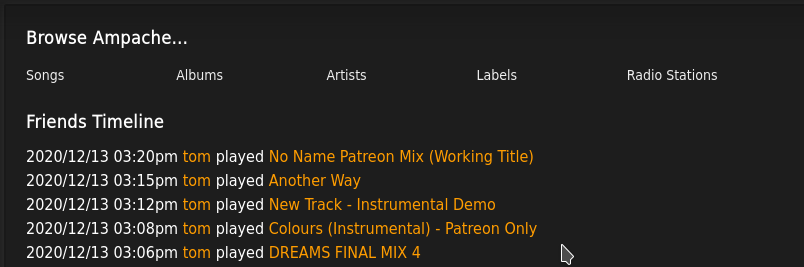
Friends Timeline
Description: Friend's Timeline on homepage.
Version: 000002
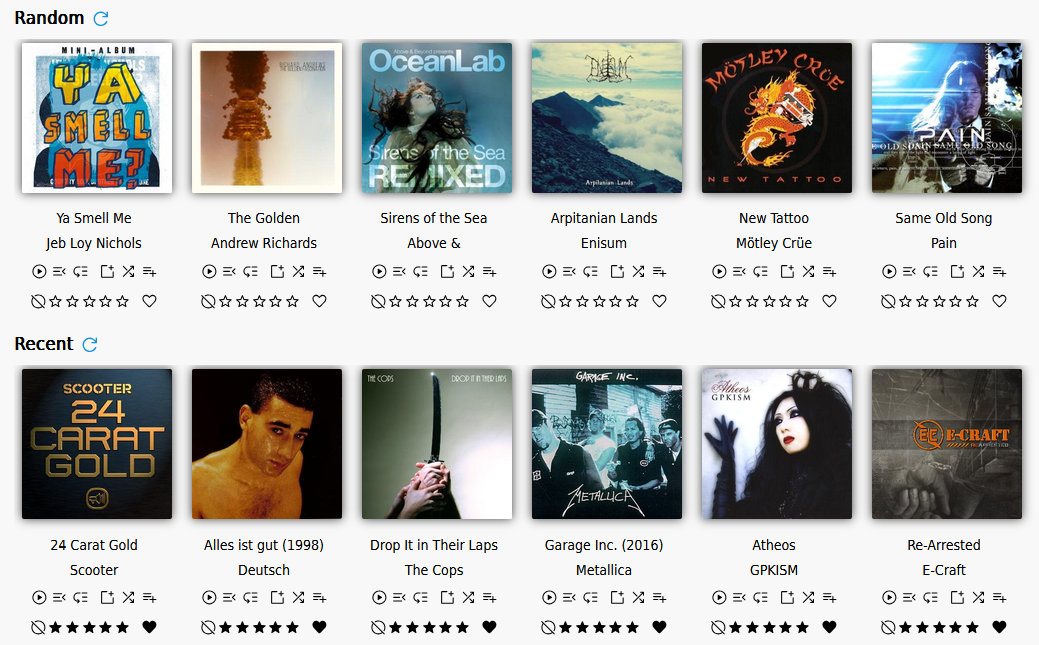
Home Dashboard
Description: Show album dashboard sections (such as recent and trending) on the homepage.
Version: 000002
Personal Favorites
Description: Personal favorites on homepage.
Version: 000003
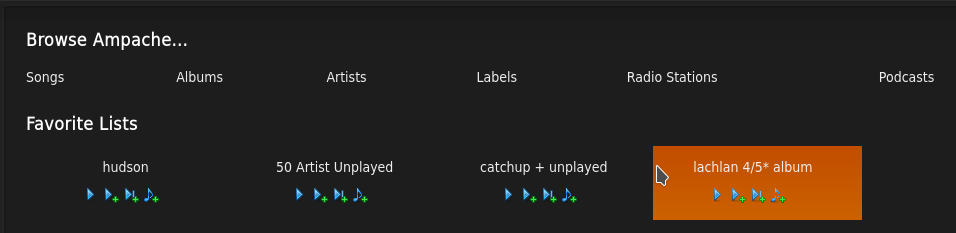
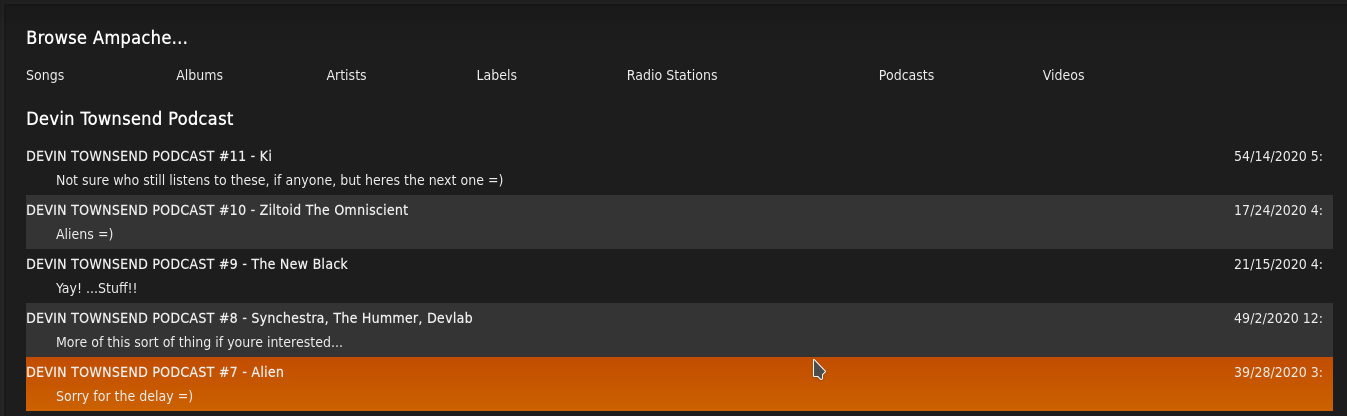
RSSView
Description: Fetch recent items from any RSS feed and display them on the homepage.
Version: 000002
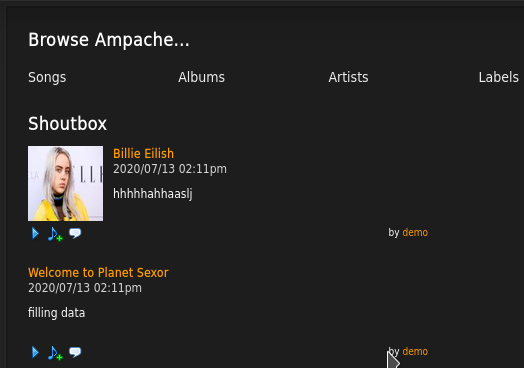
Shout Home
Description: Shoutbox on homepage.
Version: 000002
Metadata Plugins
Query for things like art or tag information missing from the file.
Amazon
Description: Amazon art search.
Version: 000001
Discogs
Description: Discogs metadata integration.
Version: 000001
MusicBrainz
Description: MusicBrainz metadata integration.
Version: 000003
TheAudioDb
Description: TheAudioDb metadata integration.
Version: 000003
Lyric Plugins
Search for external lyrics using the get_lyrics method.
ChartLyrics
Description: Get lyrics from ChartLyrics.
Version: 000001
LrcLib
Description: Get lyrics from an LrcLib compatible server.
Version: 000001
Lyrist Lyrics
Description: Get lyrics from a public Lyrist instance.
Version: 000002
Sonic Analysis Plugins
Find songs that sound alike using the get_sonic_similar_songs method.
These plugins work out similarity by analyzing the audio itself, which Ampache does not do on its own.
They back the OpenSubsonic sonicSimilarity extension, so getSonicSimilarTracks and findSonicPath only work while one is installed and enabled.
AudioMuse
Description: Sonic similarity from an AudioMuse-AI server.
Version: 000001
You need a running AudioMuse-AI instance that has already analyzed your library.
Set AudioMuse-AI server URL to its address, for example http://localhost:8000.
Statistic Plugins
Analytics plugins insert their tracking information using the display_on_footer method.
GoogleAnalytics
Description: Google Analytics statistics.
Version: 000001
Matomo
Description: Matomo statistics.
Version: 000001
Piwik
Description: Piwik statistics.
Version: 000001
Scrobble Plugins
Perform an action based on the playback of a media item.
Last.FM
Description: Scrobble songs you play to your Last.FM account.
Version: 000005
Libre.FM
Description: Scrobble songs you play to your Libre.FM account.
Version: 000003
ListenBrainz
Description: Scrobble songs you play to your ListenBrainz account.
Version: 000002
Rating Plugins
React when you rate a media item.
RatingMatch
Description: Raise the album and artist rating to match the highest song rating.
Version: 000004
Avatar Plugins
Fetch a user avatar from an external source using get_avatar_url.
Gravatar
Description: User's avatars from Gravatar.
Version: 000001
Libravatar
Description: Users' avatars with Libravatar.
Version: 000001
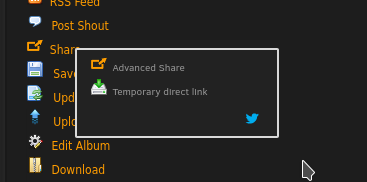
Share Plugins
Open an external site for sharing a file using external_share.
Bluesky
Description: Bluesky share.
Version: 000001

Facebook
Description: Facebook share.
Version: 000001
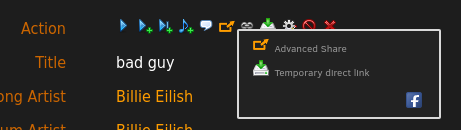
Mastodon
Description: Mastodon share.
Version: 000001
Twitter
Description: Twitter share.
Version: 000001
Shortener Plugins
Shorten a shared link with an external URL shortening site.
Bit.ly
Description: URL shorteners on shared links with Bit.ly.
Version: 000003
YOURLS
Description: URL shorteners on shared links with YOURLS.
Version: 000002
Slideshow Plugins
Get external photos to use in a slideshow.
Flickr
Description: Artist photos from Flickr.
Version: 000001
Stream Control Plugins
Manage limits for user streaming based on time, hits and bandwidth.
Stream Bandwidth
Description: Control bandwidth per user.
Version: 000001
Stream Hits
Description: Control hits per user.
Version: 000001
Stream Time
Description: Control time per user.
Version: 000001
Wanted Plugins
Act on the wanted list using the process_wanted method.
Headphones
Description: Automatically download accepted Wanted List albums with Headphones.
Version: 000001
Geolocation Plugins
Get and show a user's location.
GoogleMaps
Description: Show a user's location with Google Maps.
Version: 000001
Song Preview Plugins
Find a short sample for a track on the wanted list.
The sample is played from the provider's own url, so nothing is proxied through Ampache and neither plugin needs an api key, an account or any preferences. Install one (or both) and previews work.
Neither provider indexes MusicBrainz ids, so a track is matched on artist and title text. A result that isn't close enough to what was asked for is dropped, so a search that finds nothing similar gives no preview rather than the wrong song.
iTunes
Description: Song preview from the iTunes Search API.
Version: 000001
Deezer
Description: Song preview from Deezer.
Version: 000001
User Plugins
Add something to the individual user page using the display_user_field method.
Paypal
Description: PayPal donation button on user page.
Version: 000001