Ampache5 for Users
Did you set a custom_datetime in Ampache 4
Ampache 4 and Ampache 5 have incompatible datetime strings.

The Interface setting is found in the Preferences section

As an example "Y/m/d H:i" will convert to "2020/04/14 10:42" Check the date function in the PHP manual for help making your desired string.
Private catalogs are available
An admin can create and hide catalogs from other users. Just enable catalog_filter in the Ampache config file

NOTE Ampache develop (5.5.0+) has extended/replaced private catalogs with filter groups. Catalog Filters
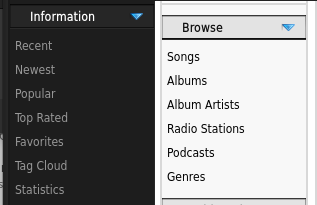
Tags are called Genres
The Tag Cloud link has moved into the browse section called "Genres"
Rating and flags have combined into one line/column

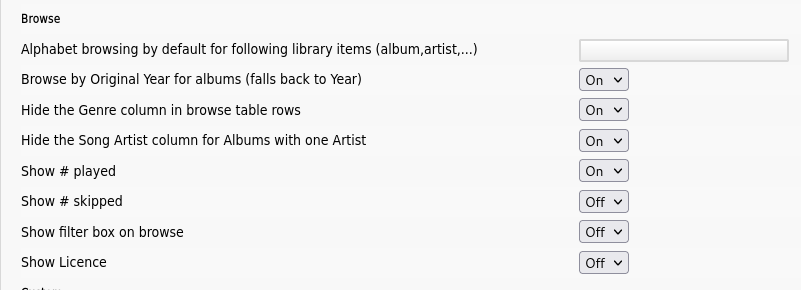
Common or redundant columns have been hidden
There are a few areas where having all the columns available just wasn't needed and added to clutter.
Now you have a few extra options to hide or show things you want.
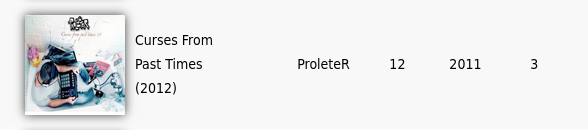
You can now browse by the original year instead of release year
When enabled you will see the release year next to the title (if it's not the same as the original year)
The first menu group has gone back to Ampache 3 style and is a Browse menu only
The grid layout pages have been moved into a separate section called "Dashboards"
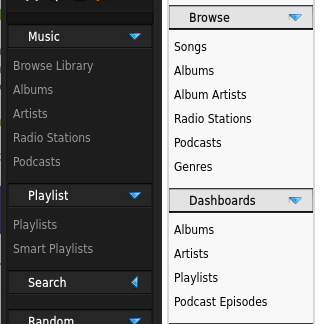
The Random section has been removed
The first 4 menu items are available from the playlist in the right hand corner.
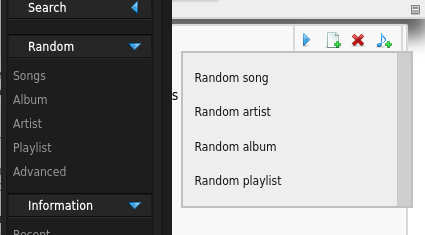
Can't find the rightbar? you can hide or expand it from the right of the header

Advanced search is now "Random" in the search menu

Changes to playlists
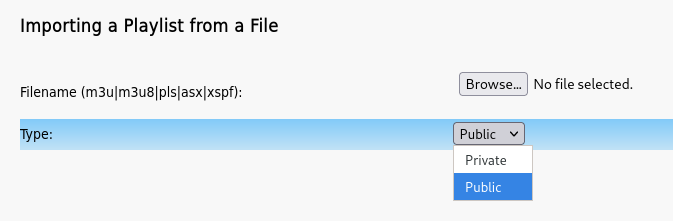
You can set the type of playlist to create on import
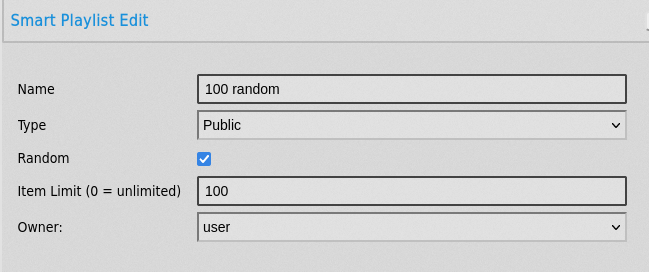
You can change the playlist owner (You can give one away and lose it if you aren't an admin!)
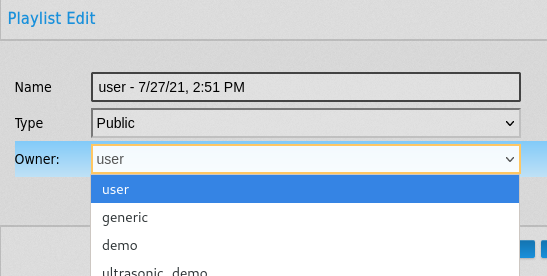
This is the same for saved searches/Smart Lists
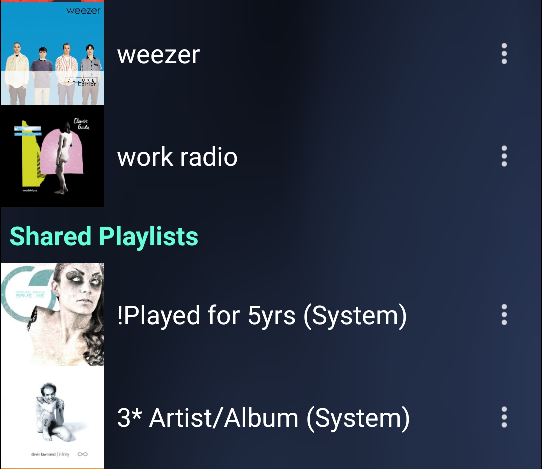
The Owner column has been removed and integrated into the display name
This gives the WebUI, API and Subsonic the same visual appearance
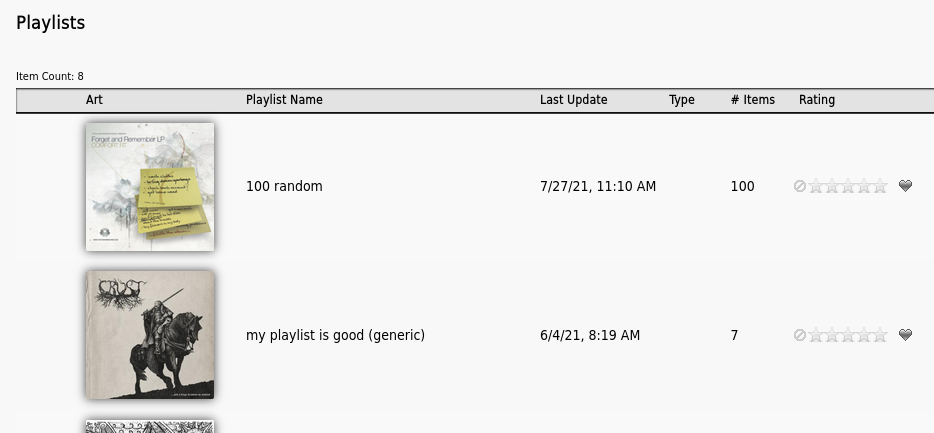
Reminder: If you own the playlist you don't see the owner
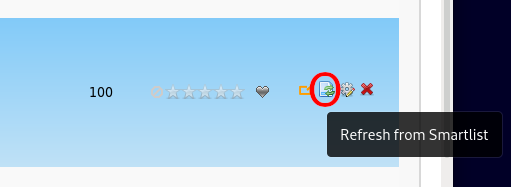
Refresh a playlist using a smartlist
If you have a saved search (you can access) and a playlist with the same name you can refresh the playlist using that search.
Be warned that this will delete the playlist contents before refreshing!
Label information has been expanded
Show more detail about labels and allow you to select from the categories available from musicbrainz
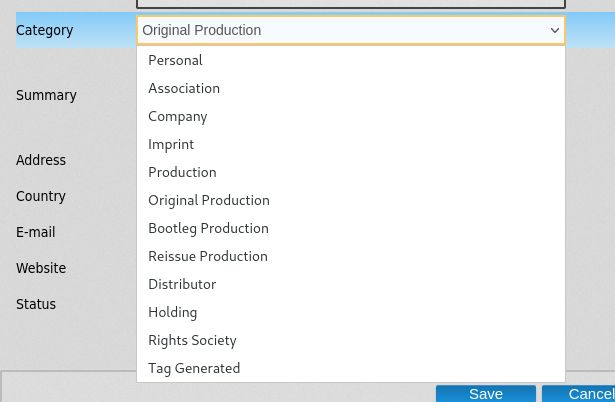
Additions to Searching
The numbers you can search for have been expanded to give you a bit more choice
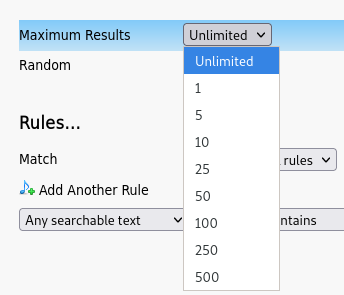
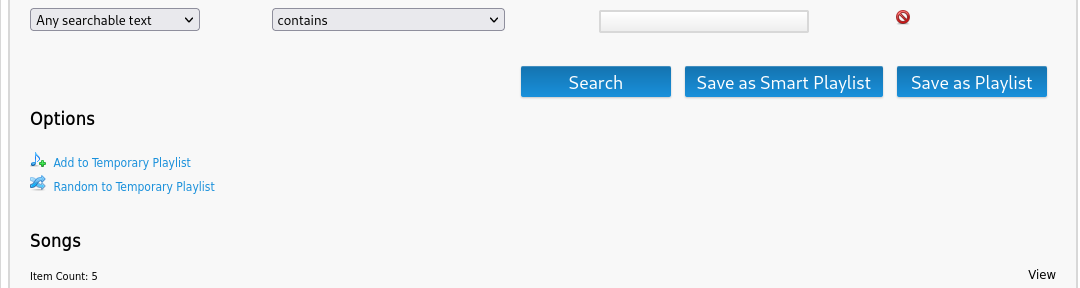
More options when you get your results
- Added Random to Temporary playlist
- Save the current results as a playlist
How does the RatingMatch plugin work
RatingMatch helps you automate a few mundane tasks related to ratings and flags
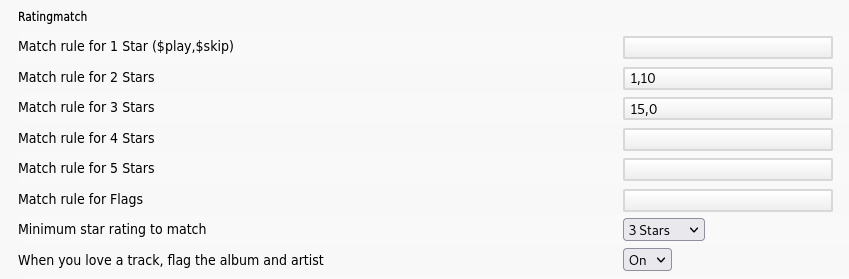
Lets explain the rules in a (hopefully easy) way.
- "Minimum star rating to match"
- If you rate a song 3 stars, then rate the album 3 stars
- If the Artist is not rated at least 3 stars; raise it to match
- If you rate an album 3 stars it will only check the artist
- If you rate a song 3 stars, then rate the album 3 stars
- "Match rule for 2 stars"
- Play a song once and skip it 10 times? if there isn't a rating present then mark it 2 star
- "Match rule for 3 stars"
- Play a song 15 times and never skip it? 3 stars!
- "When you love a track, flag the album and artist"
- Love a song? when you tick that heart the album and artist will get flagged as a favorite too!
Find Duplicates has been replaced/removed
This feature just never worked correctly and has been replaced by searches instead.
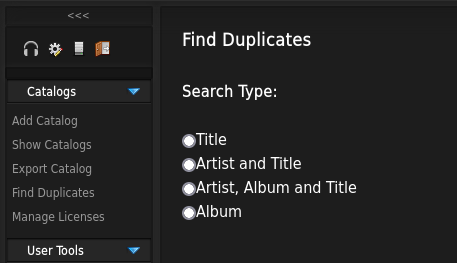
Why? It's faster, has better visibility and is available to registered users as well.
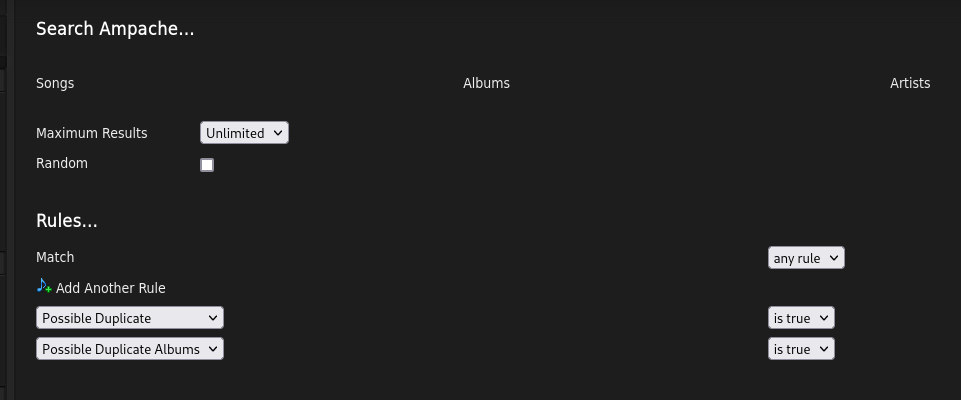
Look for "Possible Duplicate" in the search pages. Artist searches can also search for albums as well.
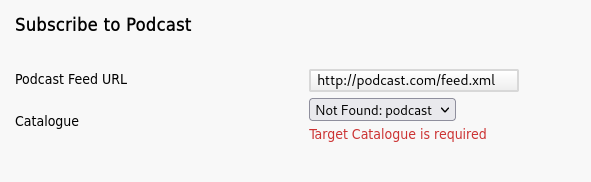
Tell you that the podcast catalog is missing
The idea that you need a catalog before you can subscribe to a podcast isn't always obvious.
Now we tell you that it's missing. If you try to add anyway it will fail and warn you the catalog is required.